
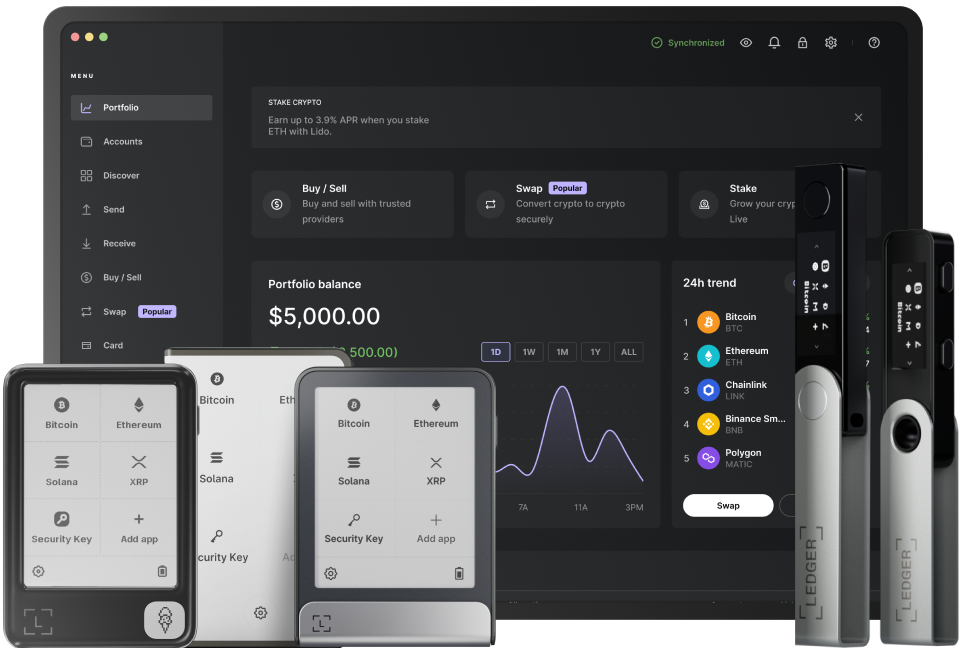
Updating the firmware of your Ledger device is crucial for maintaining its security and functionality. Firmware updates often include patches for security vulnerabilities, new features, and performance improvements. However, the process needs to be carried out carefully to ensure the safety of your digital assets. Here are the key steps to update your Ledger device firmware safely.
First, make sure your Ledger device is fully charged. A sudden power loss during the firmware update can cause serious issues, such as bricking the device. Connect your Ledger device to a reliable power source using the provided cable. This ensures that the update process will not be interrupted due to low battery. It is also advisable to use a high - quality charger and avoid using power strips or adapters that may not provide stable power.
Next, install the latest version of the Ledger Live application on your computer. Ledger Live is the interface that allows you to manage your Ledger device, including updating its firmware. Visit the official Ledger website and download the appropriate version of Ledger Live for your operating system. Follow the installation instructions carefully, and ensure that your computer meets the system requirements. Once installed, open Ledger Live and log in to your account if you have one. This will give you access to the firmware update feature.
Before initiating the firmware update, it is essential to back up your recovery phrase. The recovery phrase is a set of 24 words that can be used to restore access to your digital assets in case of device loss, damage, or theft. Write down the recovery phrase on a piece of paper and store it in a safe place. Do not take screenshots or save it digitally as this can pose a security risk. By having a backup of your recovery phrase, you can recover your wallet even if something goes wrong during the update process.
Now, connect your Ledger device to your computer using the USB cable. Make sure your device is unlocked and on the home screen. In Ledger Live, navigate to the "Manager" tab. Here, you will see if there is a firmware update available for your device. If an update is available, click on the "Update" button. Ledger Live will guide you through the update process, which may involve confirming actions on your device's screen. Follow all the instructions carefully and do not disconnect the device until the update is complete.
After the update is finished, verify that the firmware has been successfully installed. Check the device settings in Ledger Live to confirm that you are running the latest version of the firmware. You can also test some of the functions of your Ledger device, such as sending and receiving digital assets, to ensure that everything is working properly. If you encounter any issues, refer to the Ledger support website or contact their customer service for assistance.
Finally, keep an eye on future firmware updates. Regularly check Ledger Live for new updates and install them as soon as they are available. This will help you stay protected against the latest security threats and ensure that your Ledger device continues to function optimally. By following these steps, you can update your Ledger device firmware safely and enjoy a secure and reliable digital asset management experience.
TAG: Ledger Live your device update firmware will digital ensure phrase