
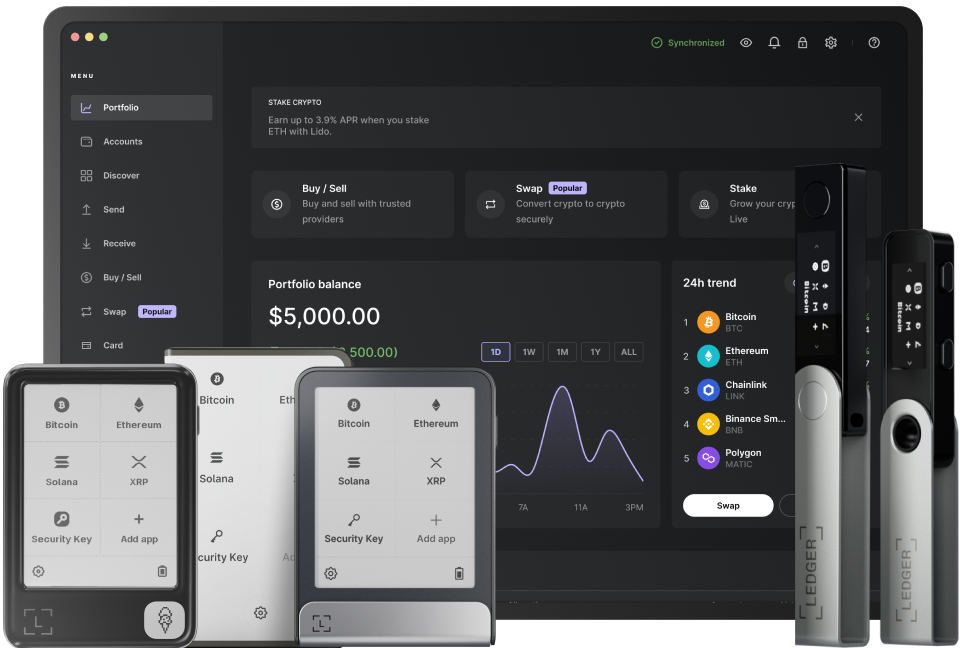
Transferring Ethereum from a Ledger wallet is a secure and straightforward process. First, ensure that your Ledger device is properly set up and connected to your computer. You'll need to have the Ethereum app installed on your Ledger device. This app allows you to interact with the Ethereum blockchain and manage your Ethereum tokens. Make sure your device is running the latest firmware version, as this helps to ensure the highest level of security and functionality. Connect your Ledger device to your computer using a USB cable, and enter your PIN to unlock it. Once unlocked, open the Ethereum app on your Ledger device.
Next, you need to choose a wallet interface to initiate the transfer. Popular options include MetaMask or MyEtherWallet. These interfaces allow you to connect to your Ledger wallet and access your Ethereum funds. When connecting, follow the prompts provided by the wallet interface. You'll typically need to confirm the connection on your Ledger device by pressing the appropriate buttons. This step is crucial for ensuring that only you can authorize transactions from your wallet. After successfully connecting, you'll be able to view your Ethereum balance and other relevant information.
Once you're connected to the wallet interface, it's time to initiate the transfer. Locate the "Send" or "Transfer" option within the interface. Enter the recipient's Ethereum address. Double - check this address to avoid sending your funds to the wrong destination. A single incorrect character can result in the permanent loss of your Ethereum. After entering the address, specify the amount of Ethereum you want to send. You can also set the gas fee, which determines how quickly your transaction will be processed on the Ethereum network. A higher gas fee will generally result in a faster transaction, but it also costs more. Review all the details of your transaction carefully before proceeding.
After reviewing the transaction details, confirm the transfer on your wallet interface. The interface will then prompt you to confirm the transaction on your Ledger device. Use the buttons on your Ledger device to review and approve the transaction. This adds an extra layer of security, as only you can physically confirm transactions on your device. Once you've confirmed on the Ledger device, the transaction will be broadcast to the Ethereum network. It may take some time for the transaction to be mined and confirmed, depending on the network congestion and gas fee you've set.
Finally, you can track the progress of your transaction. You can use blockchain explorers such as Etherscan.io to view the status of your transaction. Enter the transaction hash provided by your wallet interface, and you'll be able to see details such as the block number, confirmation status, and amount transferred. If there are any issues with the transaction, such as it not being confirmed within a reasonable time, you may need to adjust the gas fee or contact customer support for further assistance. By following these steps carefully, you can safely and effectively send Ethereum from your Ledger wallet.
TAG: Ledger your wallet device transaction Ethereum interface confirm fee gas