
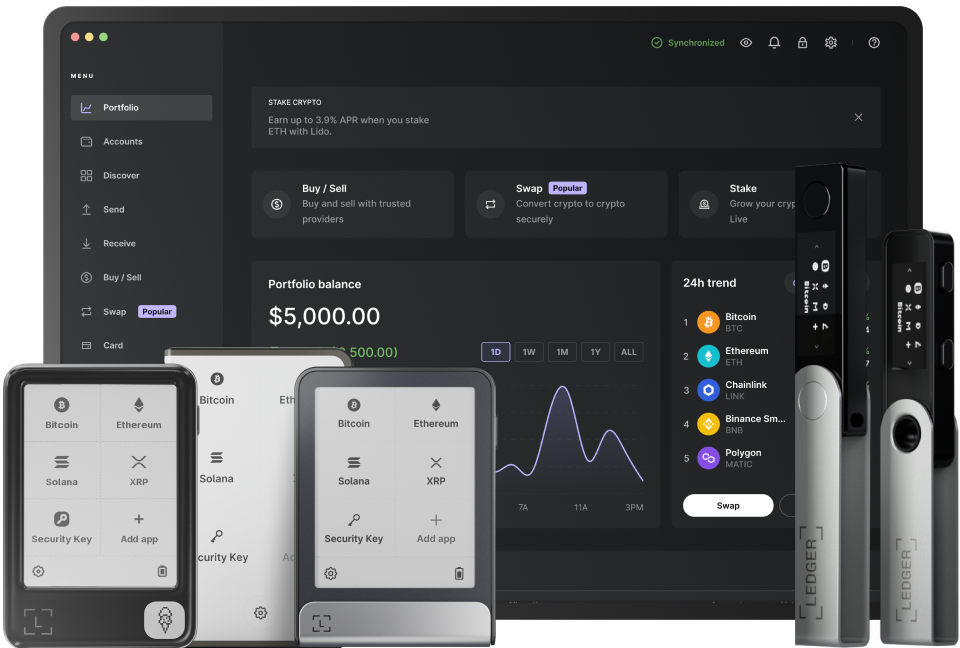
Verifying transactions on your ledger screen is a crucial process to ensure the accuracy and security of your financial records. The first step is to access your ledger screen. This typically involves logging into your financial account, whether it's a bank account, a cryptocurrency wallet, or an accounting software. Once you're logged in, locate the section that displays your transaction history. This area is where you'll find all the details of your past and pending transactions. Make sure you're using a secure connection when accessing this information to protect your data from potential threats.
After accessing the transaction history, start by checking the basic details of each transaction. Look at the date and time of the transaction. This helps you confirm when the activity took place and whether it aligns with your memory or expectations. For example, if you remember making a purchase on a specific day, the transaction date on the ledger should match. Next, examine the amount involved in each transaction. Compare it with your receipts or other records of the purchase or payment. Any discrepancies in the amount could indicate an error or even fraud. If you notice an amount that doesn't seem right, it's important to investigate further.
Another important aspect to verify is the payee or sender information. In a bank transaction, this could be the name of the merchant or the individual you sent money to. In a cryptocurrency transaction, it might be a wallet address. Ensure that this information is correct and matches your intended recipient. If you see an unfamiliar payee, it could be a sign of unauthorized activity. You should also check for any additional fees or charges associated with the transaction. These could include service fees, transaction fees, or taxes. Make sure these amounts are reasonable and expected based on the nature of the transaction.
For more complex transactions, such as those involving multiple parties or installments, it's essential to review the breakdown of the transaction details. Some ledgers provide detailed descriptions of what the transaction entails. Read through these descriptions carefully to understand exactly what was bought or sold and how the payment was structured. If there are any terms or conditions associated with the transaction, make sure you understand them fully. This can help prevent misunderstandings and potential disputes in the future.
If you're still unsure about a particular transaction, don't hesitate to contact your financial institution or service provider. They can provide you with more information and help resolve any issues you may have. You can usually reach out via phone, email, or through the customer support portal on their website. When contacting them, be prepared to provide specific details about the transaction, such as the date, amount, and payee information. This will help them assist you more efficiently.
Finally, keep a record of your verified transactions. You can do this by taking screenshots of the ledger screen or printing out the transaction history. This documentation can be useful for future reference, especially if you need to prove a transaction for tax purposes or to resolve a dispute. By following these steps, you can ensure that all the transactions on your ledger screen are accurate and secure, giving you peace of mind about your financial activities.
TAG: ledger your transaction screen financial transactions information amount could details