
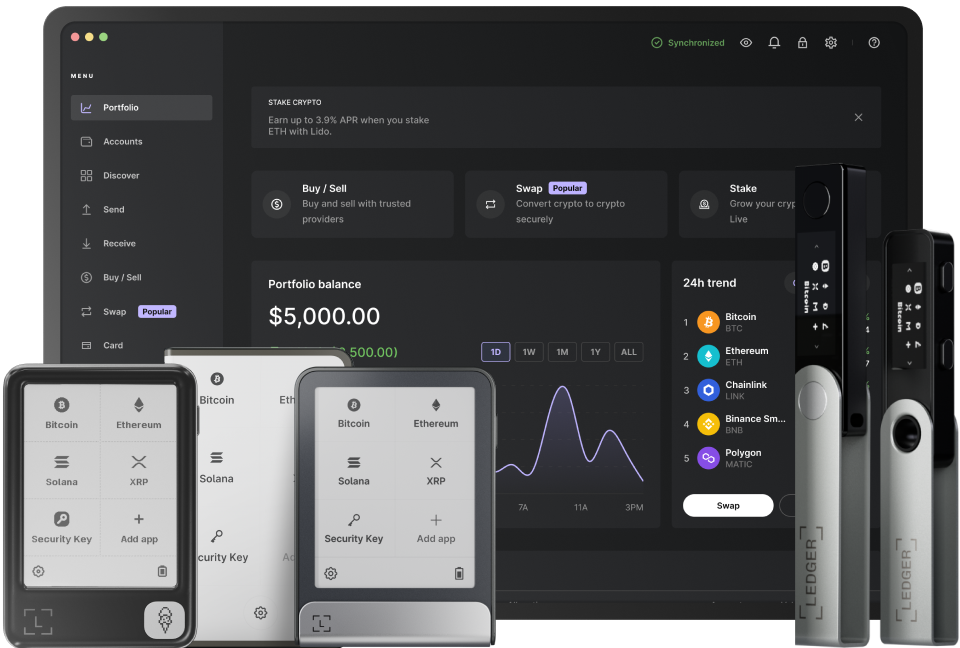
Uniswap DEX, a leading decentralized exchange in the cryptocurrency space, offers users the ability to trade tokens in a permissionless and efficient manner. When combined with a Ledger hardware wallet, the security of your digital assets is significantly enhanced. To start using Ledger with Uniswap DEX, the first step is to ensure that your Ledger device is properly set up. This involves initializing the device, setting a strong PIN, and securely storing your recovery phrase. Once your Ledger is ready, you need to install the Ethereum app on it. The Ethereum app is crucial as it enables you to interact with the Ethereum blockchain, which Uniswap is built on. You can install the app through the Ledger Live software. Open Ledger Live, go to the Manager section, and search for the Ethereum app. Click on the install button and follow the on - screen instructions. This process may take a few minutes, and it's important to keep your Ledger connected to your computer during this time.
After installing the Ethereum app on your Ledger, you need to connect your Ledger to your browser. You can use browser extensions like MetaMask or WalletConnect to achieve this. If you choose MetaMask, first download and install it on your browser. Then, click on the MetaMask icon and select "Connect Hardware Wallet". Choose Ledger from the list of available wallets. Follow the prompts on your Ledger device and in MetaMask to complete the connection process. This will allow you to access your Ethereum wallet on the Ledger through MetaMask. For WalletConnect, open Uniswap in your browser and click on the "Connect Wallet" button. Select WalletConnect, scan the QR code on your browser with the Ledger Live mobile app, and approve the connection on your Ledger device. This method provides a seamless way to connect without relying on a browser extension.
Once your Ledger is connected to the platform, you can start trading on Uniswap DEX. Navigate to the Uniswap website and click on the "Swap" tab. Here, you can select the tokens you want to trade. You need to specify the input token (the token you are sending) and the output token (the token you want to receive). Uniswap will show you an estimated exchange rate based on the current market conditions. Before confirming the trade, review all the details carefully, including the amount of tokens you are trading and the associated fees. When you are satisfied with the trade details, click on "Swap". Your browser will prompt you to confirm the transaction using your connected wallet (either MetaMask or through WalletConnect). On your Ledger device, you will see the transaction details, including the token amounts and fees. Review these details again on your Ledger and approve the transaction by pressing the appropriate buttons on your device.
It's important to note that when using Ledger with Uniswap DEX, you should always be aware of the security implications. Keep your Ledger device safe and never share your recovery phrase with anyone. Also, be cautious of phishing attempts. Make sure you are accessing Uniswap through its official website and not a fake clone. As the cryptocurrency market and decentralized exchanges continue to evolve, the combination of Ledger and Uniswap DEX offers a secure and efficient way to participate in token trading. With proper setup and careful execution, you can take full advantage of the features provided by both the hardware wallet and the decentralized exchange, enabling you to manage your digital assets with confidence.
TAG: Ledger your device Ethereum app token MetaMask Uniswap browser DEX