
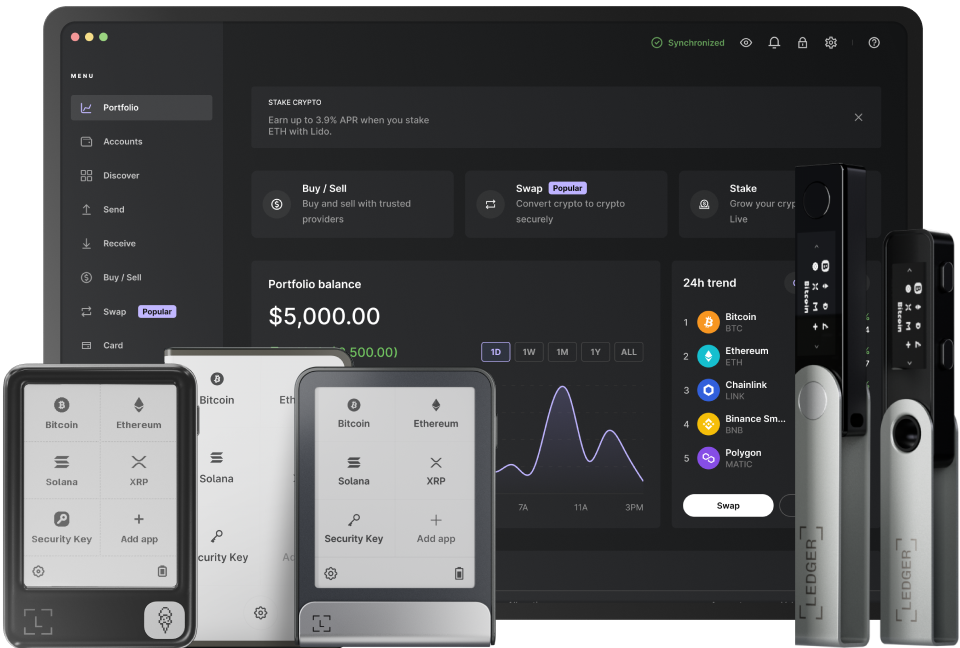
Staking Ethereum (ETH) has become an increasingly popular way for cryptocurrency holders to earn passive income. With the help of Ledger Live, a secure and user - friendly wallet interface, staking ETH can be a straightforward process. First, it's crucial to understand that staking involves locking up your ETH in the Ethereum network to support its operations, such as transaction validation and block creation. By doing so, you contribute to the network's security and efficiency, and in return, you receive rewards.
Before you start staking ETH with Ledger Live, you need to ensure that your Ledger device is properly set up. This includes installing the latest firmware on your Ledger hardware wallet. You can do this by connecting your device to your computer and opening the Ledger Live application. The application will prompt you to update the firmware if there are any available updates. Updating the firmware is essential as it ensures the security and compatibility of your device with the staking process. Also, make sure that your Ethereum app on Ledger Live is up - to - date. This will provide you with the latest features and security patches related to Ethereum management.
Once your Ledger device is set up, you need to have a sufficient amount of ETH in your wallet. The Ethereum network currently requires a minimum of 32 ETH for solo staking. However, if you don't have 32 ETH, you can participate in a staking pool through Ledger Live. Staking pools allow multiple users to combine their ETH to meet the 32 - ETH requirement. This way, even small - scale investors can take part in staking and earn rewards. When choosing a staking pool, it's important to consider factors such as the pool's reputation, fees, and historical performance. Some well - known staking pools offer additional features like easy withdrawal options and detailed analytics.
In addition to choosing a staking pool, you also need to understand the risks associated with staking. One of the main risks is slashing, which occurs when a validator (staker) behaves maliciously or fails to perform its duties correctly. In such cases, a portion of the staked ETH may be forfeited. To minimize this risk, it's important to choose a reliable validator or staking pool that has strict security measures in place. Another risk is the volatility of the Ethereum price. The value of your staked ETH can fluctuate, which may affect the overall return on your investment.
To start the staking process, open the Ledger Live application and navigate to the Ethereum wallet. From there, select the staking option. If you're using a staking pool, you'll need to enter the pool's details, such as its address and any necessary authentication information. Once you've entered the required information, confirm the staking transaction on your Ledger device. The staking process may take some time to complete, depending on network congestion. After the staking is successful, you can monitor your staking rewards through the Ledger Live application. You'll be able to see how much ETH you've earned over time and track the performance of your staked funds.
Finally, it's important to stay informed about the latest developments in Ethereum staking. The Ethereum network is constantly evolving, and new features and protocols are being introduced regularly. By keeping up with the news and updates, you can make more informed decisions about your staking strategy. For example, Ethereum 2.0 upgrades may bring changes to the staking mechanism or increase rewards for stakers.
TAG: Ledger Live your device Ethereum up network staking ETH pool