
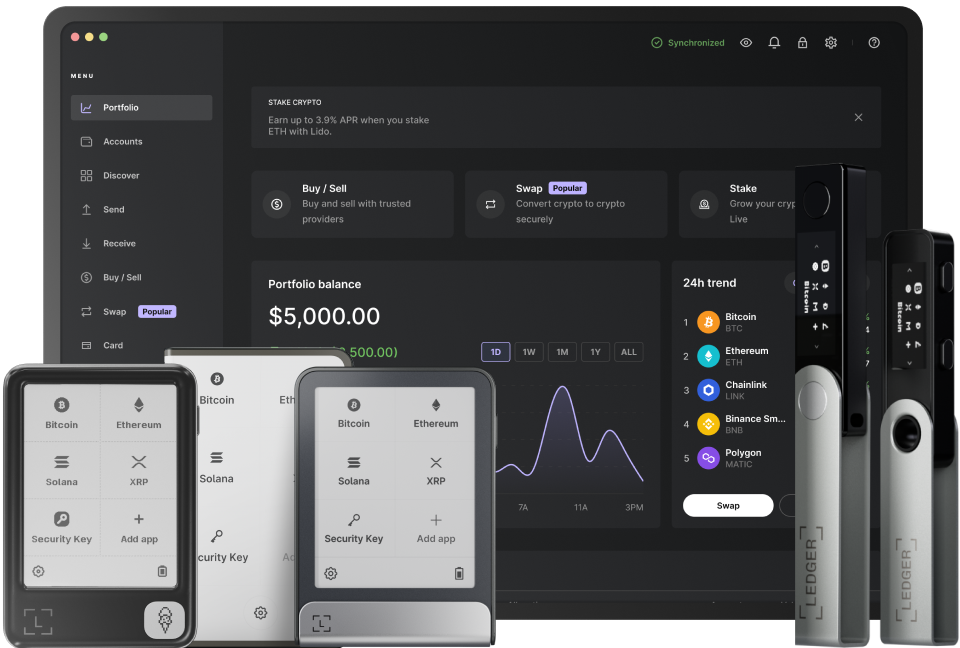
The combination of Ledger and Rabby Wallet (EVM) offers a secure and efficient way to manage your digital assets. Before you start, ensure your Ledger device is properly set up. First, power on your Ledger device and unlock it using your PIN. This step is crucial as it provides the initial security layer for accessing your wallet. Once unlocked, you need to make sure that the Ethereum app is installed on your Ledger. The Ethereum app is essential because it enables the interaction between your Ledger and the Rabby Wallet (EVM), allowing you to manage your EVM-based tokens.
Now, turn your attention to the Rabby Wallet. Open the Rabby Wallet application on your device. Navigate to the settings or wallet connection section. Here, you'll find an option to connect a hardware wallet. Select this option and choose Ledger from the list of available hardware wallets. The wallet will then prompt you to connect your Ledger device to your computer via a USB cable. Make sure the connection is stable; any interruption during this process can lead to connection issues later on.
After connecting the Ledger device, the Rabby Wallet will attempt to establish a connection. You may see a prompt on your Ledger device asking you to confirm the connection. Use the buttons on your Ledger device to navigate to the "Allow" option and press both buttons simultaneously to confirm. This step is a security measure to ensure that only you are authorizing the connection between the Rabby Wallet and your Ledger. Once confirmed, the Rabby Wallet will display your EVM wallet address associated with the Ledger.
Once connected, you can start managing your assets. To view your EVM tokens, simply look at the wallet interface in Rabby. It will show you the balance of your various tokens. If you want to send tokens, click on the "Send" button. Enter the recipient's wallet address and the amount of tokens you wish to send. Before finalizing the transaction, verify all the details on both the Rabby Wallet and your Ledger device. On the Ledger, you'll see the transaction details, including the recipient address and token amount. Use the buttons on the Ledger to review and confirm the transaction. Once you confirm on the Ledger, the transaction will be processed on the blockchain.
To receive tokens, share your EVM wallet address, which is displayed in Rabby Wallet. You can copy the address and send it to the sender. When someone sends tokens to this address, they will appear in your Rabby Wallet after being confirmed by the blockchain network. Regularly check for software updates for both your Ledger device and Rabby Wallet. Updates often include security enhancements and new features that can improve your overall experience when using these tools to manage your EVM assets.
In addition to basic token management, you can also explore other features in Rabby Wallet. For example, you can participate in decentralized finance (DeFi) activities such as staking, lending, or borrowing. However, always be cautious when engaging in these activities as they involve financial risks. Make sure to do your research and understand the terms and conditions of each DeFi platform before proceeding. By following these steps and being vigilant, you can effectively use Ledger with Rabby Wallet (EVM) for a seamless and secure digital asset management experience.
TAG: Ledger your Wallet device Rabby EVM